How to bring a photo to life
LivingPhoto turns one still photo into a short animated video with natural expression and head movement. Here is everything that happens, from upload to share.
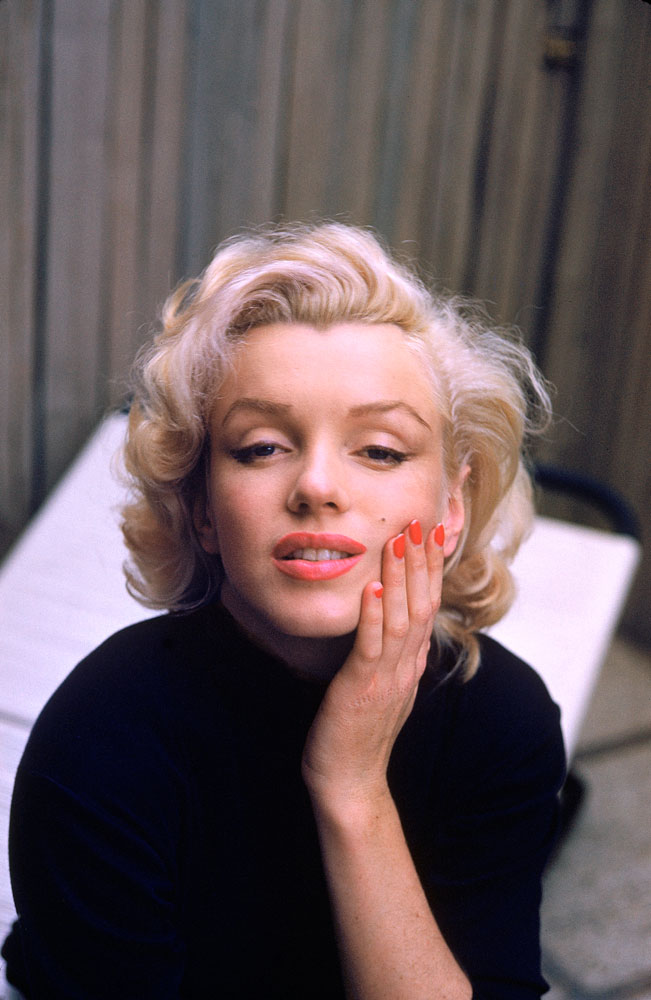
The 5 steps
1. Sign in with Google
Create an account with your Google login. New accounts start with 5 free tokens, which is enough for your first video. No credit card is needed.
2. Upload a photo
Choose a JPG or PNG. Portraits work best: one person, with a clear, well-lit face. Old family photos and keepsake pictures are a great fit.
3. Describe the motion
Write a short prompt saying how the person should move, such as a smile, a blink or a glance to the side. Stuck for ideas? Pick an example prompt, or press Generate with AI to get a suggestion written for your photo.
4. Create your video
Each video costs 5 tokens. An AI image-to-video model animates your photo into a 6-second, 720p widescreen clip at 48 frames per second, without sound. Most videos are ready in seconds, and we email you when yours is done.
5. Download and share
Download your video as an MP4 or a GIF. Videos are private by default. Make one public to get a share link you can copy or post to Facebook, X or LinkedIn.
Example prompts
Prompts work best when they describe movement and expression. A few to start from:
- “Have them smile warmly and look toward the camera”
- “Make it feel like a candid moment with soft expression changes”
- “Have her smile, glance to the side, and feel like she's sharing a private joke”
Tips for the best results
- Use a clear face
- Faces that are clearly visible and well lit give the most natural results.
- Be specific in your prompt
- Describe the movements and expressions you want, not just the mood.
- Start from a sharp photo
- Higher-resolution photos produce smoother, more detailed videos.
- Try a remix
- Not quite right? Remix the video to try a new prompt on the same photo.
Try it with your own photo
Your first video is free. After that, each one costs 5 tokens. See pricing.
Start Free